Choose a channel style
Set reference art, voice, and aspect ratio. Import a YouTube transcript to match an existing format.
Script, voice, and illustrated scenes in one guided editor — clone a proven channel format and export upload-ready videos.
Connected stack
Script, voice, and illustrated scenes in one guided editor — clone a proven channel format and export upload-ready videos.
Workflow
The video editor walks you through setup, script, voiceover, scene images, and finish — with channel styles for repeatable output.
Set reference art, voice, and aspect ratio. Import a YouTube transcript to match an existing format.
Generate script (OpenAI), voiceover (ElevenLabs), and scene images (Gemini) step by step.
Build the timeline, preview in Studio, and export an upload-ready MP4.
Video editor
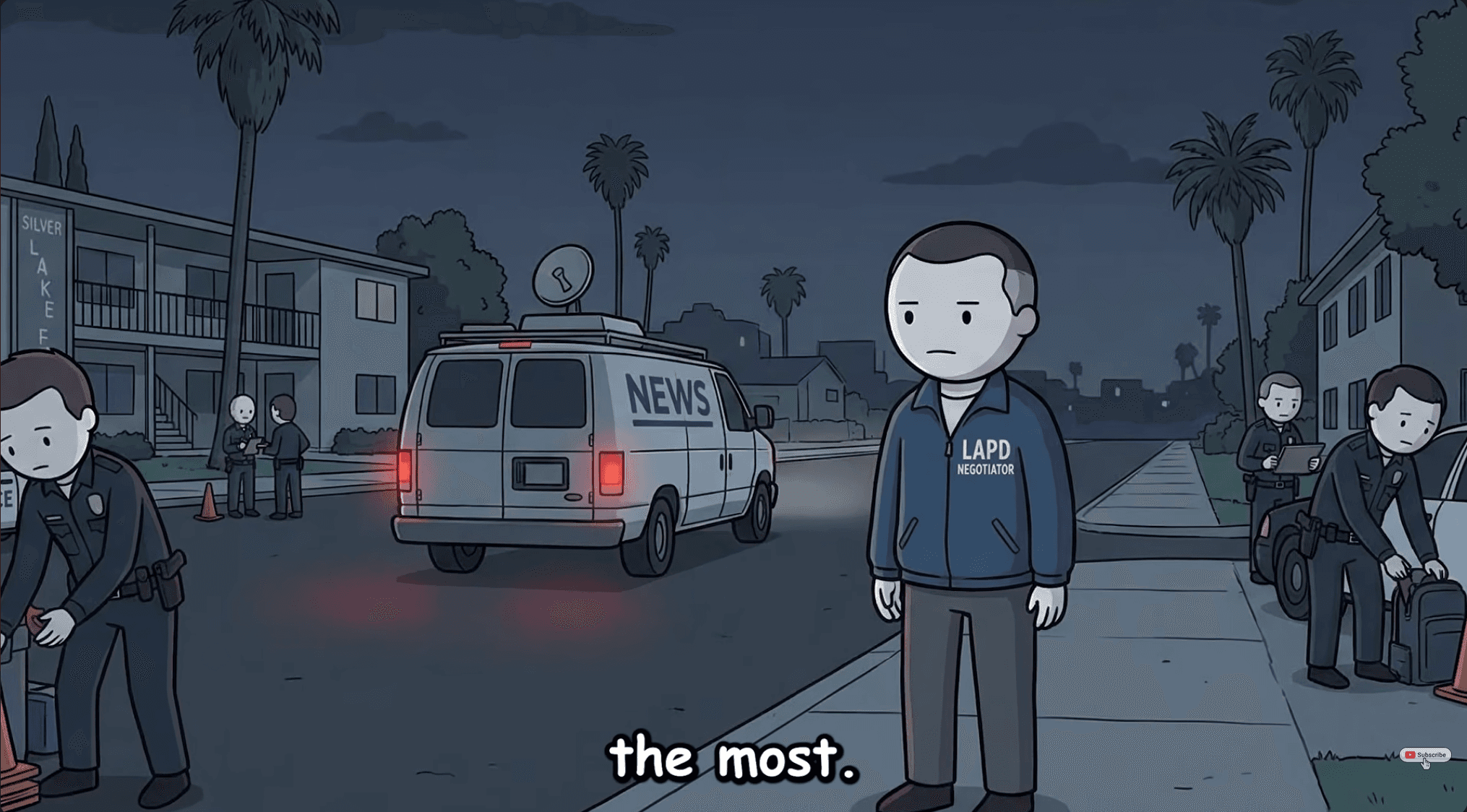
Five guided steps — setup, script, voiceover, scene images, and finish. Tap through the preview below to see each step.
Style (optional)
Your Life as Every Rank · 16:9
Tap a step above to explore the editor — this is the real app UI with sample project data.
Pricing
Basic ($99.99/mo) includes 25,000 credits. Premium ($199.99/mo) includes 65,000. Same full app access on both plans.
Full app access — script, voice, scenes, and export.
Full app access with more monthly credits.
FAQ
Faceless, story, and explainer YouTube channels that publish narration plus illustrated scenes on a schedule. clipng connects style, script, voice, scenes, and render in one app.
No. clipng runs OpenAI, Gemini, and ElevenLabs on our servers. Subscribe and start creating — no API setup required.
When creating a channel style, paste a public YouTube URL. clipng fetches the transcript and uses it as a format reference for new scripts.
Upload-ready MP4s from Studio, matched to your channel style — 9:16 for Shorts or 16:9 for standard YouTube.
Both plans include the same app access. The only difference is monthly credits: Basic ($99.99/mo) includes 25,000; Premium ($199.99/mo) includes 65,000. Credits are spent on AI generation — scripts, voice, and scenes.
Sign up to create story videos. Script, voice, and scene generation are built in — just pick a plan and start.